Best first setup
Use static UTMs for source, medium, campaign, and content before testing platform macros or short links.
Platform URL builder
Create one clean SHOPLINE ad landing page URL, keep campaign naming consistent, and verify the visit in GA4 before sending real paid traffic.
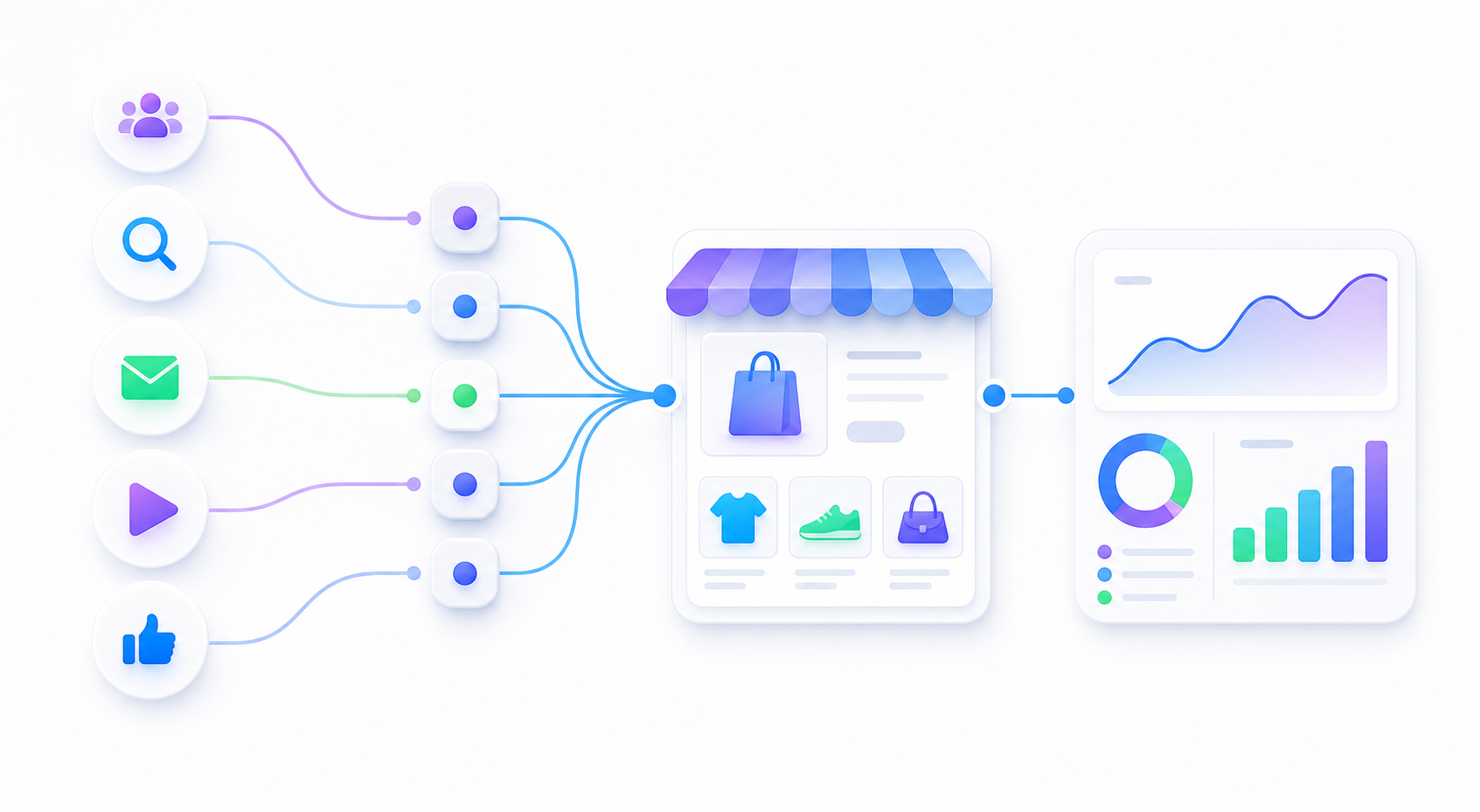
Use static UTMs for source, medium, campaign, and content before testing platform macros or short links.
Redirects, language routing, apps, or checkout behavior can change what GA4 receives.
The final SHOPLINE page opens and GA4 Realtime shows the intended campaign labels.
spring_sale_best_sellers.utm_content for creative or placement detail only when you need it.| Field | Example | Use it for |
|---|---|---|
utm_source |
tiktok |
The traffic platform or partner. |
utm_medium |
paid_social |
The traffic type. |
utm_campaign |
spring_sale_best_sellers |
The promotion, launch, or campaign. |
utm_content |
creator_video_01 |
Creative, ad, creator, or placement detail. |
That simple loop catches most SHOPLINE campaign tracking mistakes before paid traffic scales.