URL ready to paste
One final landing page URL, plus the source, medium, campaign, and creative fields that created it.
Sample deliverable
A plain-English example of what a small ecommerce seller can hand to an ad operator, teammate, or freelancer before launching one paid traffic flow.
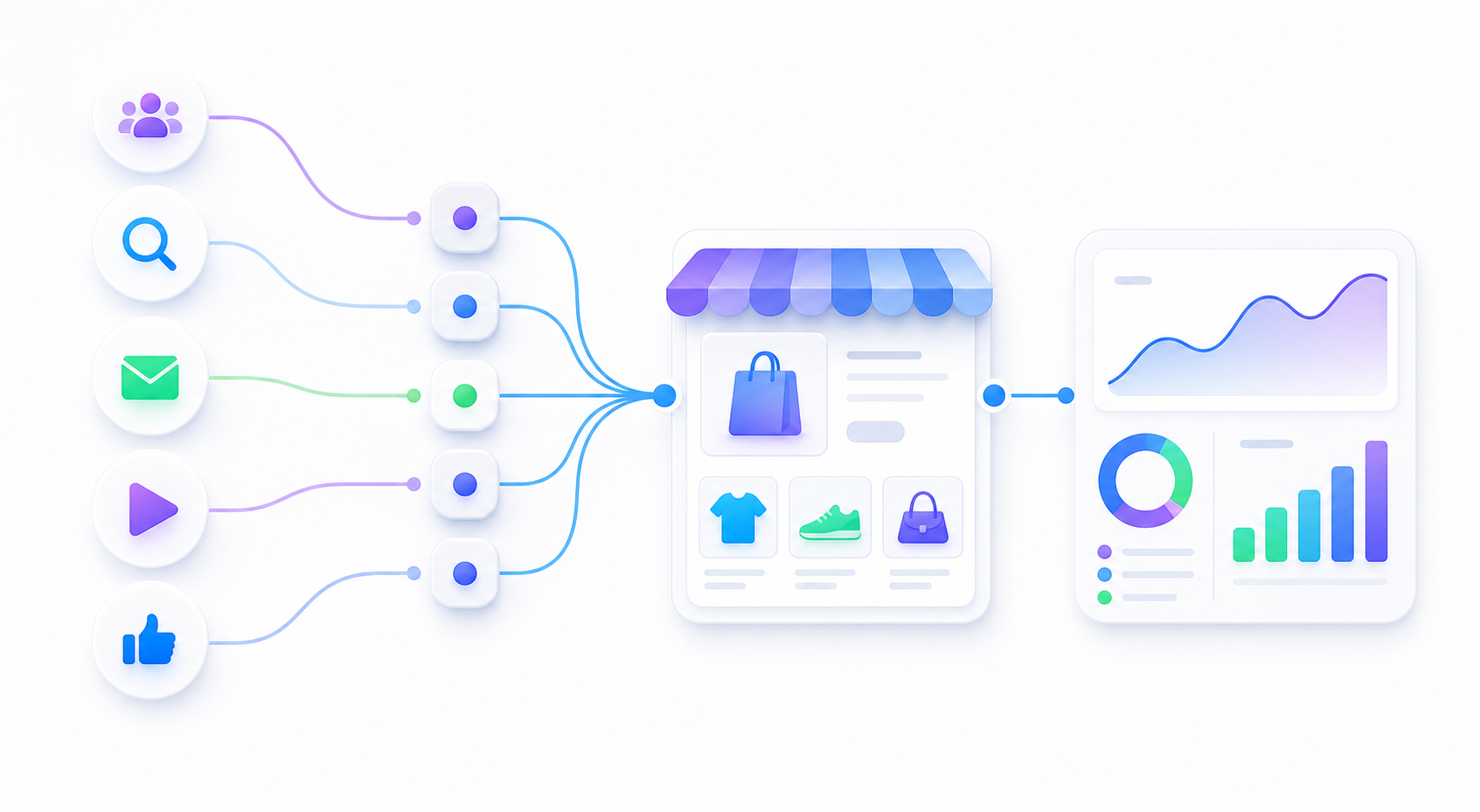
One final landing page URL, plus the source, medium, campaign, and creative fields that created it.
A short Realtime test path so the seller can confirm the visit before spending real budget.
No customer data in URLs, no hidden redirects, and no promise that analytics will be perfect.
| Store platform | Shopify |
|---|---|
| Traffic channel | Meta / Facebook / Instagram |
| Setup mode | Beginner-safe static UTMs |
| Campaign goal | Product visits and purchase checks |
| GA4 status | Created, not verified |
This is the URL a beginner seller can paste into the ad platform after checking that the page opens correctly.
https://example.com/products/sample-product?utm_source=meta&utm_medium=paid_social&utm_campaign=spring_sale_travel_bag&utm_content=hero_video| Parameter | Sample value | Why it exists |
|---|---|---|
utm_source |
meta |
Groups traffic from Facebook and Instagram ads. |
utm_medium |
paid_social |
Keeps paid social separate from organic posts, email, or affiliates. |
utm_campaign |
spring_sale_travel_bag |
Readable campaign name for GA4 and team discussion. |
utm_content |
hero_video |
Simple creative label for comparing ad concepts. |
This is the copyable handoff a small team can paste into a campaign task or send to the person setting up ads.
Ad Landing Page Setup Brief

Final landing page URL:
https://example.com/products/sample-product?utm_source=meta&utm_medium=paid_social&utm_campaign=spring_sale_travel_bag&utm_content=hero_video

Copy these URL fields into the ad platform or campaign brief:
- utm_source: meta
- utm_medium: paid_social
- utm_campaign: spring_sale_travel_bag
- utm_content: hero_video

Before spending:
1. Open GA4 Realtime.
2. Click the final landing page URL.
3. Confirm the product page opens correctly.
4. Confirm GA4 shows the visit.
5. Confirm source, medium, campaign, and content look right.page_view.view_item, add_to_cart, begin_checkout, and purchase where supported.Paste a real landing page URL, pick a traffic channel, then copy the ad setup brief or download the QA report.